> ## Documentation Index
> Fetch the complete documentation index at: https://moengage-unity-sdk-initialization-split.mintlify.site/llms.txt
> Use this file to discover all available pages before exploring further.
# Status of Flows
> Understand the lifecycle statuses of MoEngage Flows including active, paused, scheduled, completed, and retired, plus how to manage each flow state.
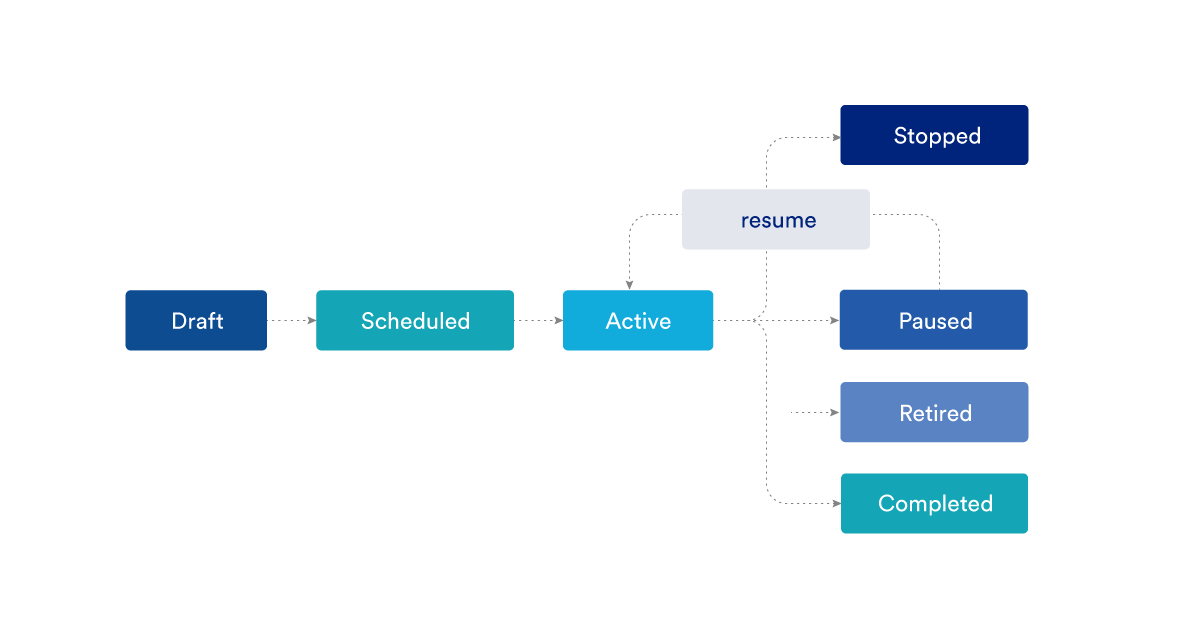
The different statuses of the flow during their lifecycle are described as follows. The status is visible on the All Flows page. Filter the flows based on similar status. The current status of the flow is displayed in the top right corner for all the opened flows.
 The following are the status of flows.
| Flow Status | Flow Entry Type | Description | Possible Next Action | |
| ----------- | ------------------------------------- | --------------------------------------------------------------------------------------------------------------------------------------------------------------- | ------------------------------------------------------------------------------------------------------ | - |
| Draft | All | When a flow is created or saved before publishing | Edit
The following are the status of flows.
| Flow Status | Flow Entry Type | Description | Possible Next Action | |
| ----------- | ------------------------------------- | --------------------------------------------------------------------------------------------------------------------------------------------------------------- | ------------------------------------------------------------------------------------------------------ | - |
| Draft | All | When a flow is created or saved before publishing | Edit
Save
Publish
Duplicate | |
| Scheduled | All | When the flow is published, and user entry is scheduled at a defined date and time in future. | Edit
Export
Duplicate
Stop
Create a New Version | |
| Active | Event-Triggered or Previous Flow exit | When the flow is published and the scheduled time has started | Edit
Export
Duplicate
Pause
Stop
Retire
Create a New Version | |
| | Time-based Entry | When users are entering the flow | | |
| | | Before the schedule of a periodic flow expires. | | |
| | | When all the users have entered a one-time entry flow | | |
| | | When there are active trips in a flow | | |
| Paused | All | When the flow is paused. | Edit
Export
Duplicate
Resume
Create a New Version | |
| Stopped | All | When a flow is stopped. | Export
Duplicate | |
| Retired | All | When: - The Flow is retired
- A new Version is created on top of an existing Version and is Published
| Export
Duplicate | |
| Completed | Time-Based Entry | When: - There are no active flow trips for one-time flow.
- There are no active trips after the expiry of the schedule for periodic flow.
| Export
Duplicate | |
| | Event-Triggered or Previous Flow exit | When there are no active Flow trips and the scheduled End Date and Time are in the past | | |
You can Pause, Stop and Retire flows. Scheduled, Completed, and Active is defined by MoEngage.
Time-based flows enter users in bulk, with a limit of 10 million users per instance or run. For more information, refer to [Create a Flow](/user-guide/flows-cross-channel-messaging/create/create-flows/create-a-flow#when-will-users-enter-the-flow).
 # Edit
After you publish, the Flow stats on users entering the flow and their performance at every stage are displayed.
You can only edit an active, scheduled, or paused Flow. The changes will create a new version of the current flow, which can be published or saved. For more information on editing Flows, refer [here](/user-guide/flows-cross-channel-messaging/create/create-flows/editing-a-flow).
Any change that creates a new version will affect only those users who enter the flow after the new version is published. Existing users will not be affected by the new version. They will continue their trip in the version that is active when they enter.
If there are changes made to a flow that doesn't create a version (like editing the content in the campaigns), the changes are visible to only those users who cross the edited stages post-republishing of the flow. Other users who have already crossed the edited stage before republishing the flow will not be affected by the changes.
# Duplicate
Marketers can duplicate an existing Flow by clicking on the duplicate icon in the top right bar or clicking the Actions option on the All Flows Page of an active flow. Also, Marketers can duplicate a Version of a Flow by clicking on the duplicate icon in the top right bar.
This will open a duplicate instance of the already created Flow/ the created version in a new tab which can then be changed, saved, and published.
# Pause/Resume
An active Flow can be paused by clicking on the Pause option below the flow name.
After you pause, the active flow trip pauses at its current flow stage and won’t advance to the next stage. Due to pause, it might so happen that few users can get indefinitely stuck on any of the Flow stages even after resuming the Flow.
In paused state:
* New users will not enter the Flow
* No message will be sent
* No condition will be evaluated
* Users that are already in the Flow will not move to the next step of the flow.
Resume any paused flow. After you resume, MoEngage starts processing the active flow trip of users from the Flow stages at the time of pausing the flow.
# Stop
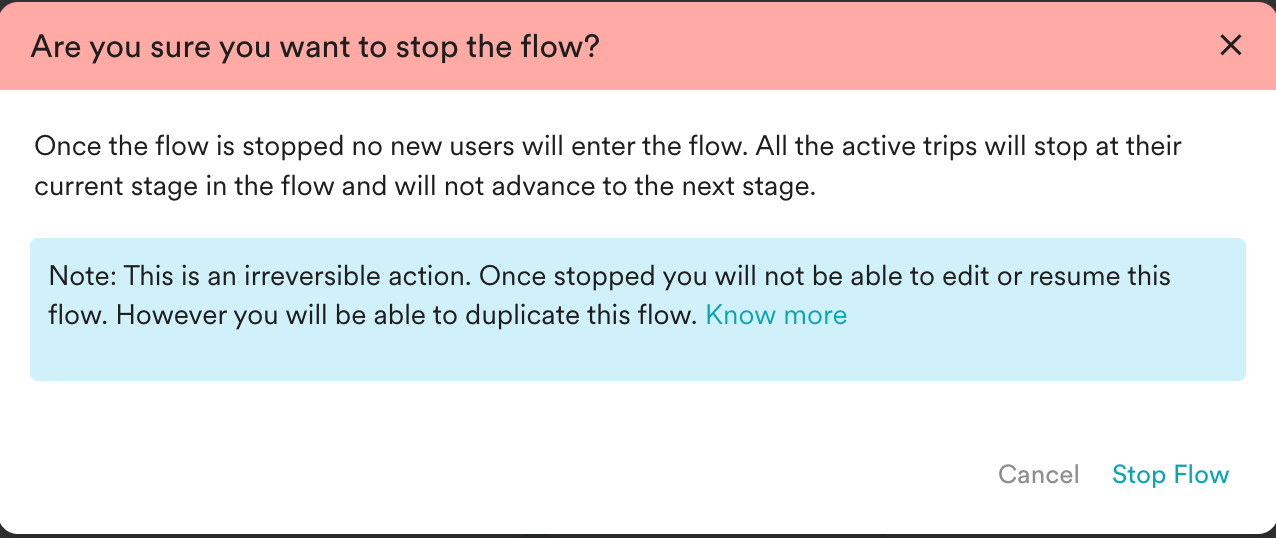
Published flows are permanently stopped by clicking the Stop option available next to the pause icon.
When stopped, the users in the flow stop at their current stage, and no new users can enter the flow once stopped. Flow, once stopped, cannot be resumed.
# Edit
After you publish, the Flow stats on users entering the flow and their performance at every stage are displayed.
You can only edit an active, scheduled, or paused Flow. The changes will create a new version of the current flow, which can be published or saved. For more information on editing Flows, refer [here](/user-guide/flows-cross-channel-messaging/create/create-flows/editing-a-flow).
Any change that creates a new version will affect only those users who enter the flow after the new version is published. Existing users will not be affected by the new version. They will continue their trip in the version that is active when they enter.
If there are changes made to a flow that doesn't create a version (like editing the content in the campaigns), the changes are visible to only those users who cross the edited stages post-republishing of the flow. Other users who have already crossed the edited stage before republishing the flow will not be affected by the changes.
# Duplicate
Marketers can duplicate an existing Flow by clicking on the duplicate icon in the top right bar or clicking the Actions option on the All Flows Page of an active flow. Also, Marketers can duplicate a Version of a Flow by clicking on the duplicate icon in the top right bar.
This will open a duplicate instance of the already created Flow/ the created version in a new tab which can then be changed, saved, and published.
# Pause/Resume
An active Flow can be paused by clicking on the Pause option below the flow name.
After you pause, the active flow trip pauses at its current flow stage and won’t advance to the next stage. Due to pause, it might so happen that few users can get indefinitely stuck on any of the Flow stages even after resuming the Flow.
In paused state:
* New users will not enter the Flow
* No message will be sent
* No condition will be evaluated
* Users that are already in the Flow will not move to the next step of the flow.
Resume any paused flow. After you resume, MoEngage starts processing the active flow trip of users from the Flow stages at the time of pausing the flow.
# Stop
Published flows are permanently stopped by clicking the Stop option available next to the pause icon.
When stopped, the users in the flow stop at their current stage, and no new users can enter the flow once stopped. Flow, once stopped, cannot be resumed.
 # Retiring a Flow
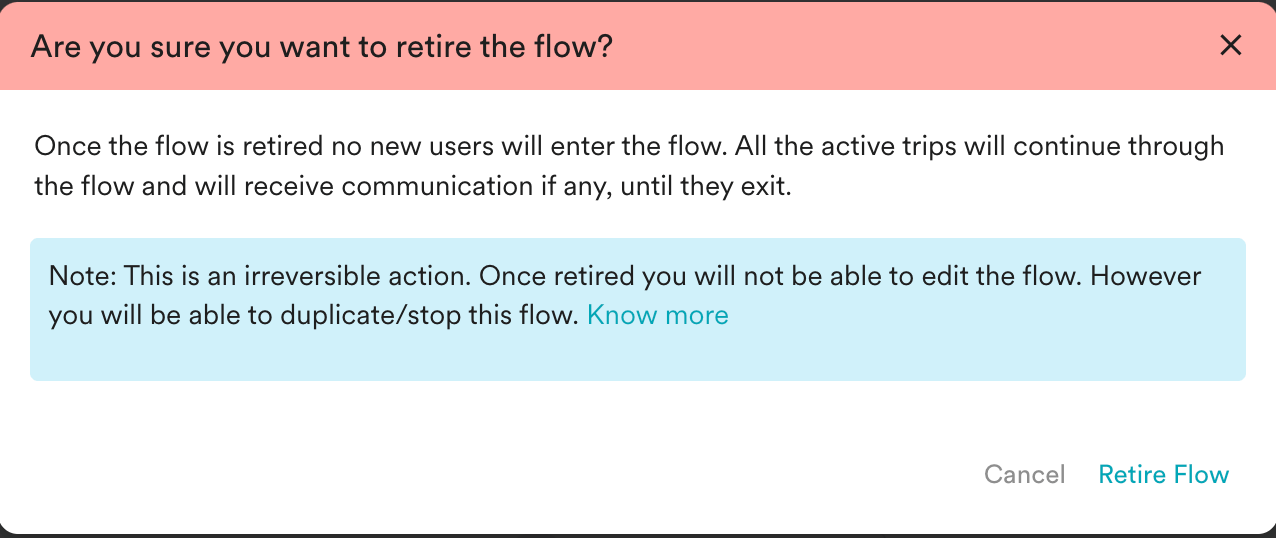
While stopping the flow, Marketers can choose to allow the users currently in the flow to move forward towards a flow exit while preventing any new entries into the flow. We term it as **Retiring** a flow.
Because retired flows let users already in the flow continue toward a flow exit, those users can keep receiving in-app and on-site messages from the flow until the campaigns expire or the users exit the flow. This does not happen once a flow is stopped. For details, see [Why do users receive in-app messages even after the flow has stopped?](/user-guide/campaigns-and-channels/in-app-message/faqs-in-app-messages/why-do-users-receive-in-app-messages-even-after-the-flow-has-stopped) and [Why do users receive OSM campaigns even after the flow has stopped?](/user-guide/campaigns-and-channels/on-site-message/faqs-on-site-message/why-do-users-receive-osm-campaigns-even-after-the-flow-has-stopped).
This is especially useful while duplicating a flow to add or remove stages from the existing flow. When the duplicated flow is published, ensure to retire the original flow to avoid users entering both flows.
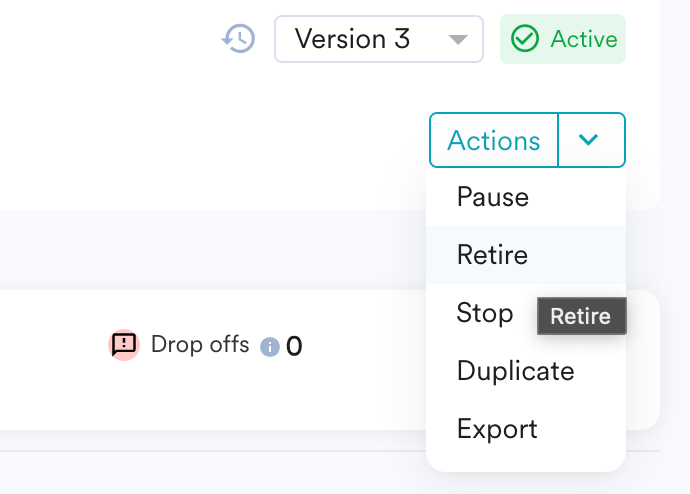
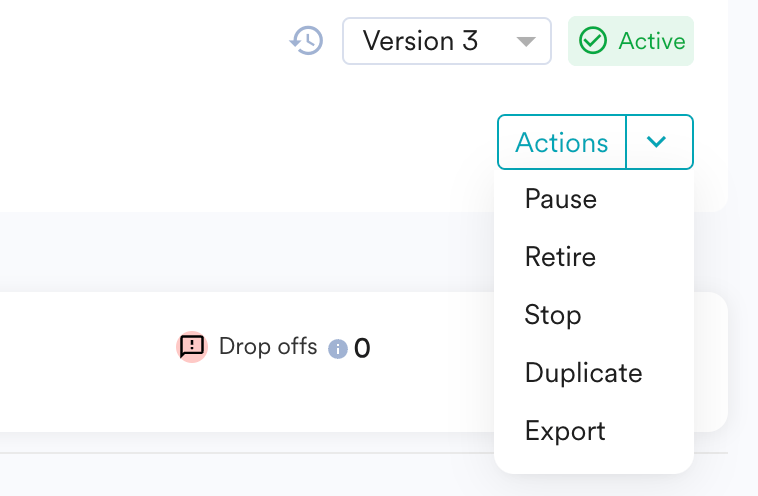
The option to retire the flow will be available after clicking on Actions from the Top Right in your Flows Canvas.
# Retiring a Flow
While stopping the flow, Marketers can choose to allow the users currently in the flow to move forward towards a flow exit while preventing any new entries into the flow. We term it as **Retiring** a flow.
Because retired flows let users already in the flow continue toward a flow exit, those users can keep receiving in-app and on-site messages from the flow until the campaigns expire or the users exit the flow. This does not happen once a flow is stopped. For details, see [Why do users receive in-app messages even after the flow has stopped?](/user-guide/campaigns-and-channels/in-app-message/faqs-in-app-messages/why-do-users-receive-in-app-messages-even-after-the-flow-has-stopped) and [Why do users receive OSM campaigns even after the flow has stopped?](/user-guide/campaigns-and-channels/on-site-message/faqs-on-site-message/why-do-users-receive-osm-campaigns-even-after-the-flow-has-stopped).
This is especially useful while duplicating a flow to add or remove stages from the existing flow. When the duplicated flow is published, ensure to retire the original flow to avoid users entering both flows.
The option to retire the flow will be available after clicking on Actions from the Top Right in your Flows Canvas.